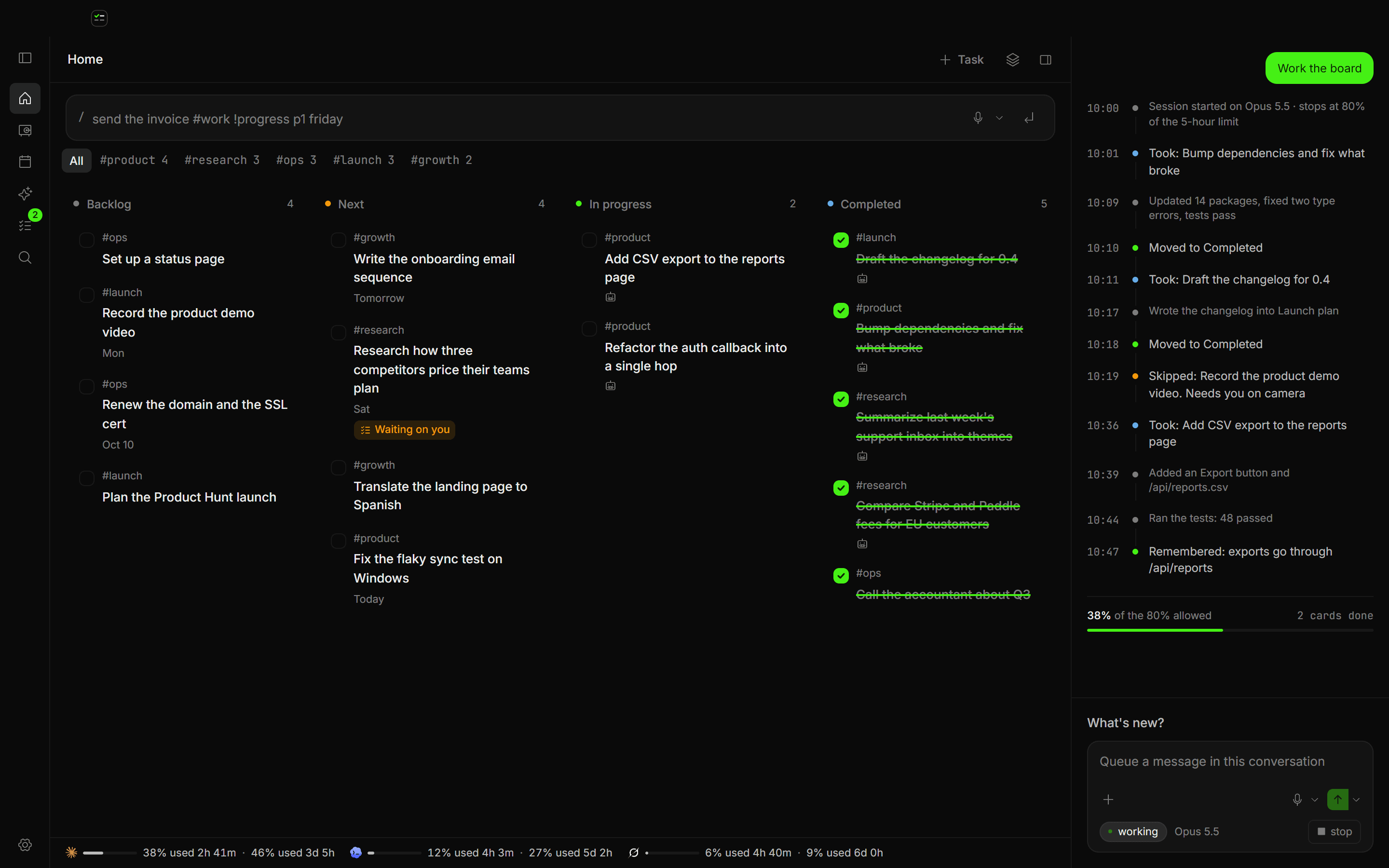
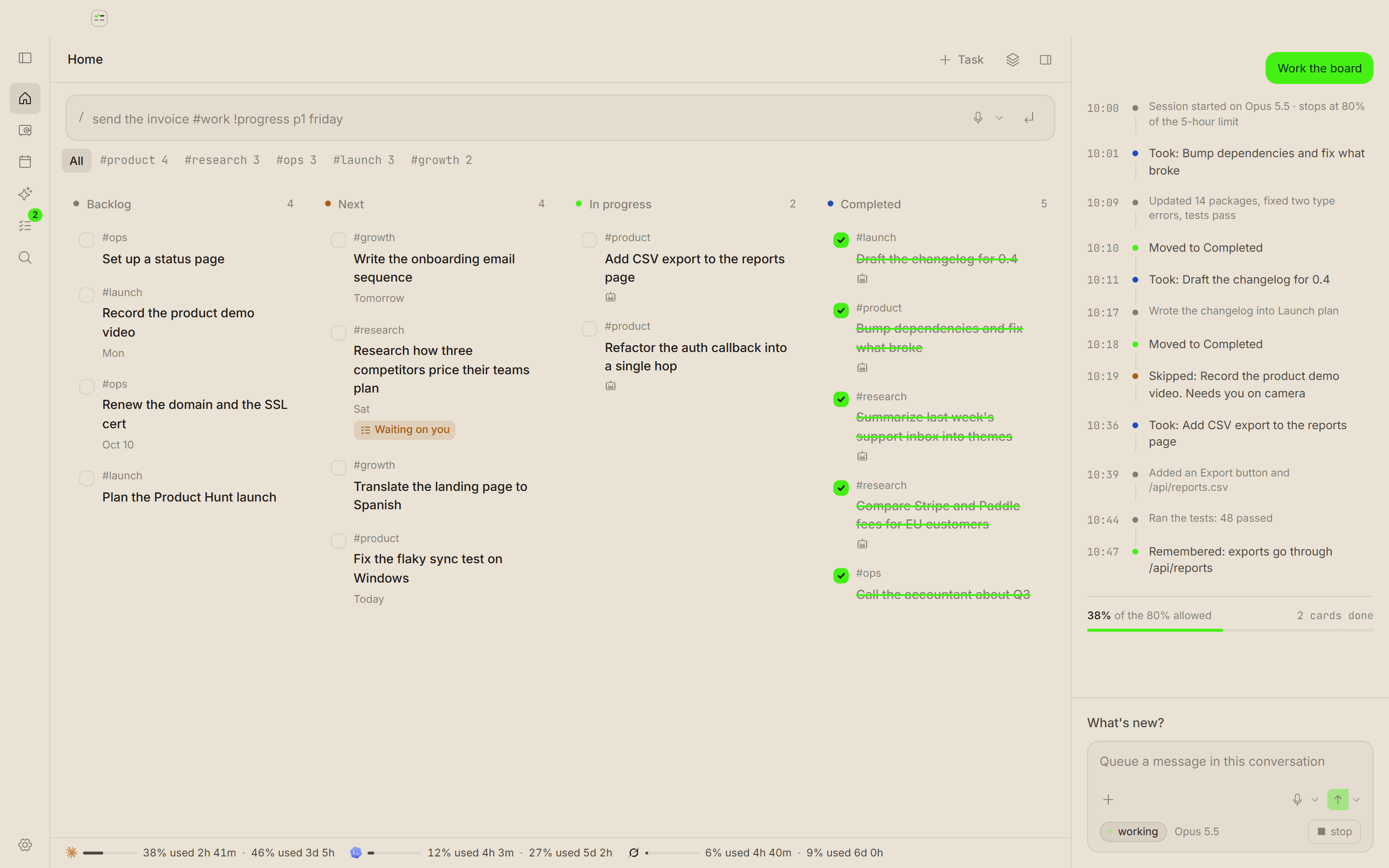
Your tasks, your notes, and an agent in one window
A board for what you have to do, notes that link to it, and an agent that works the queue. All of it lives in your browser, or locally on your own machine.
draft the q3 board update
audit the onboarding funnel drop-off
reorganise the research folders
summarize 148 support tickets into a brief
rewrite the pricing page copy
prep monday's planning agenda
publish the api migration guide
Three tools that share the same data
Normally this is a tracker, a notes app and a terminal. Here it is one window, so nothing gets copied between them.
The board
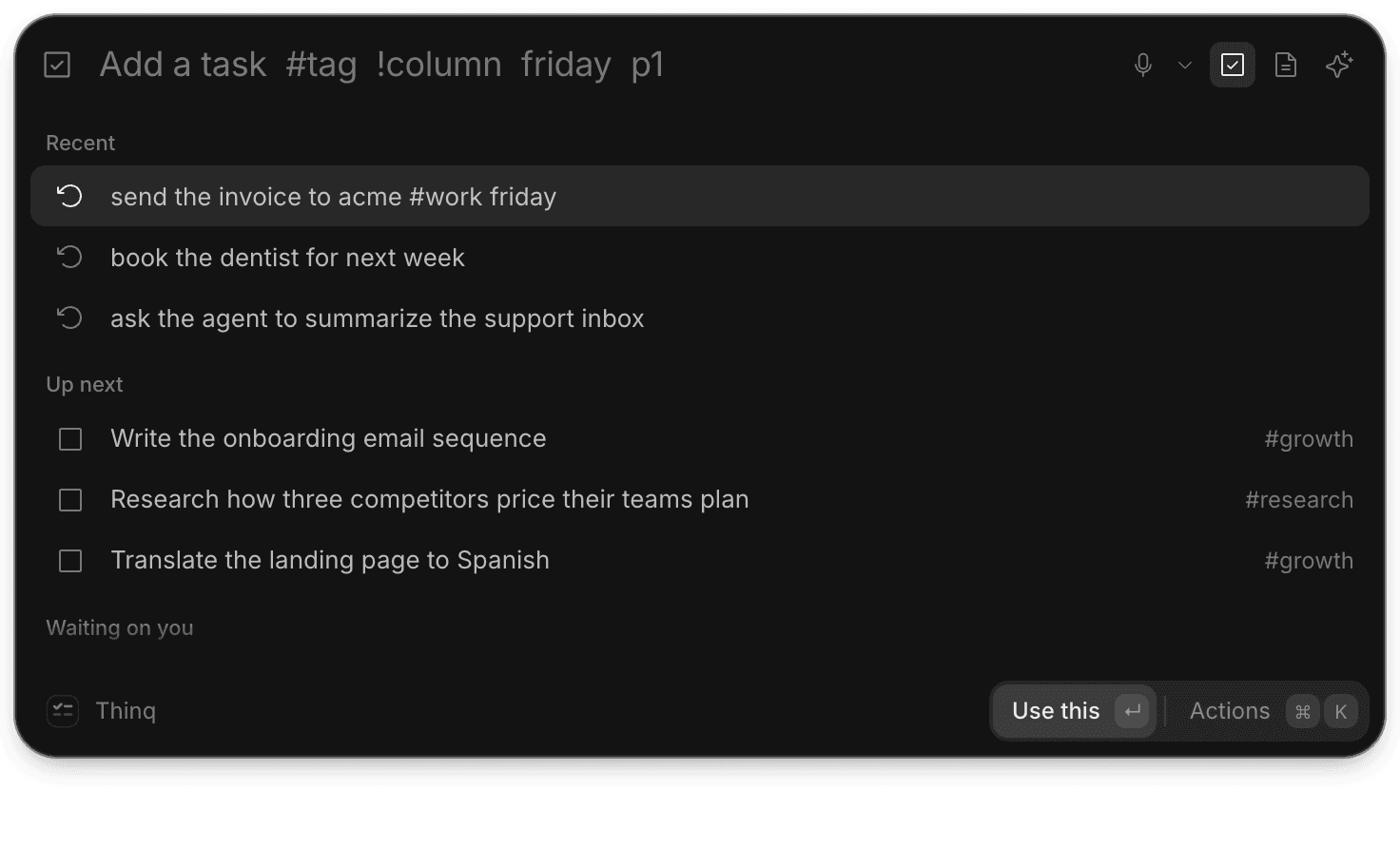
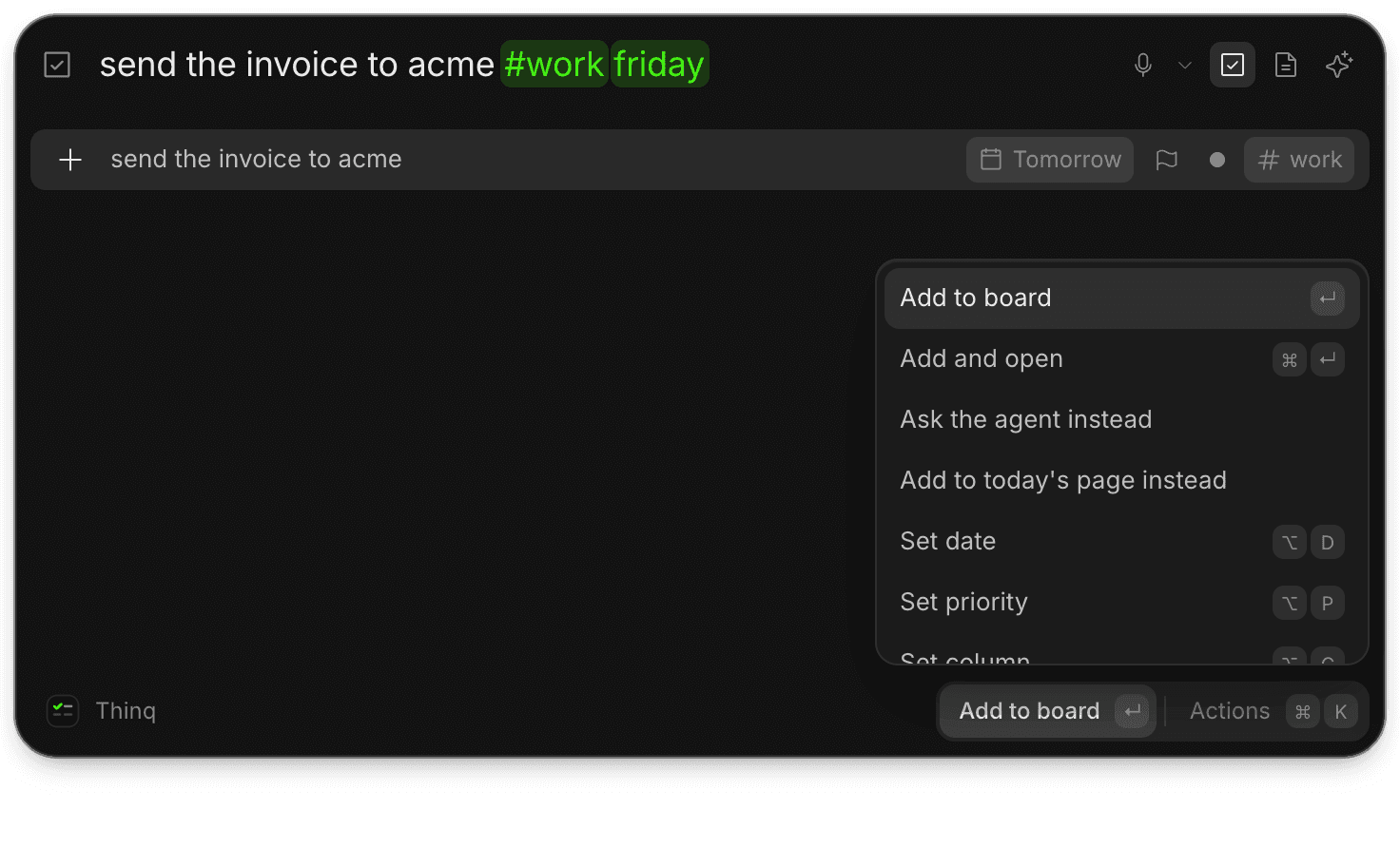
Four columns. Type one line and Thinq pulls the date, the tag and the column out of it.
The agent
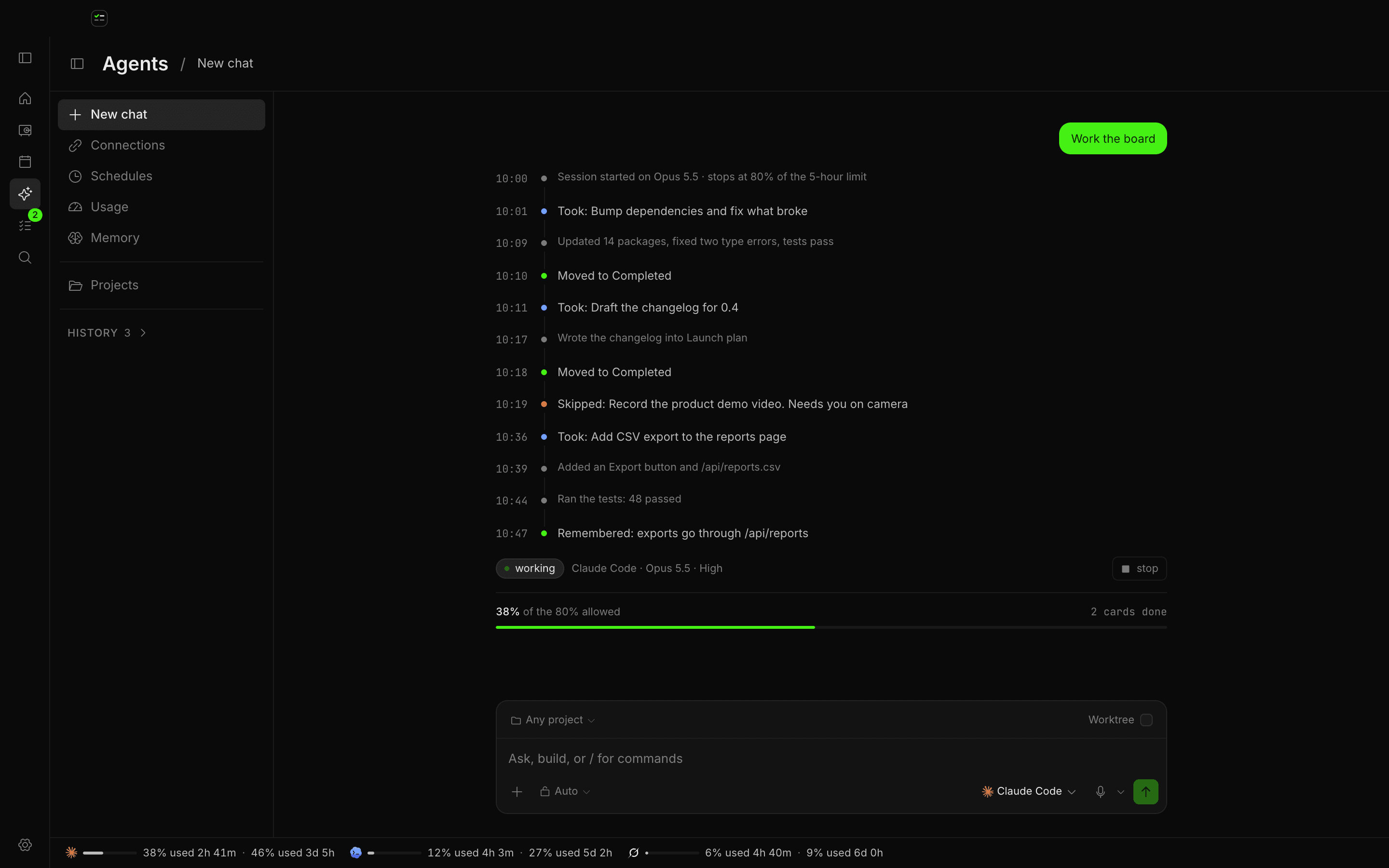
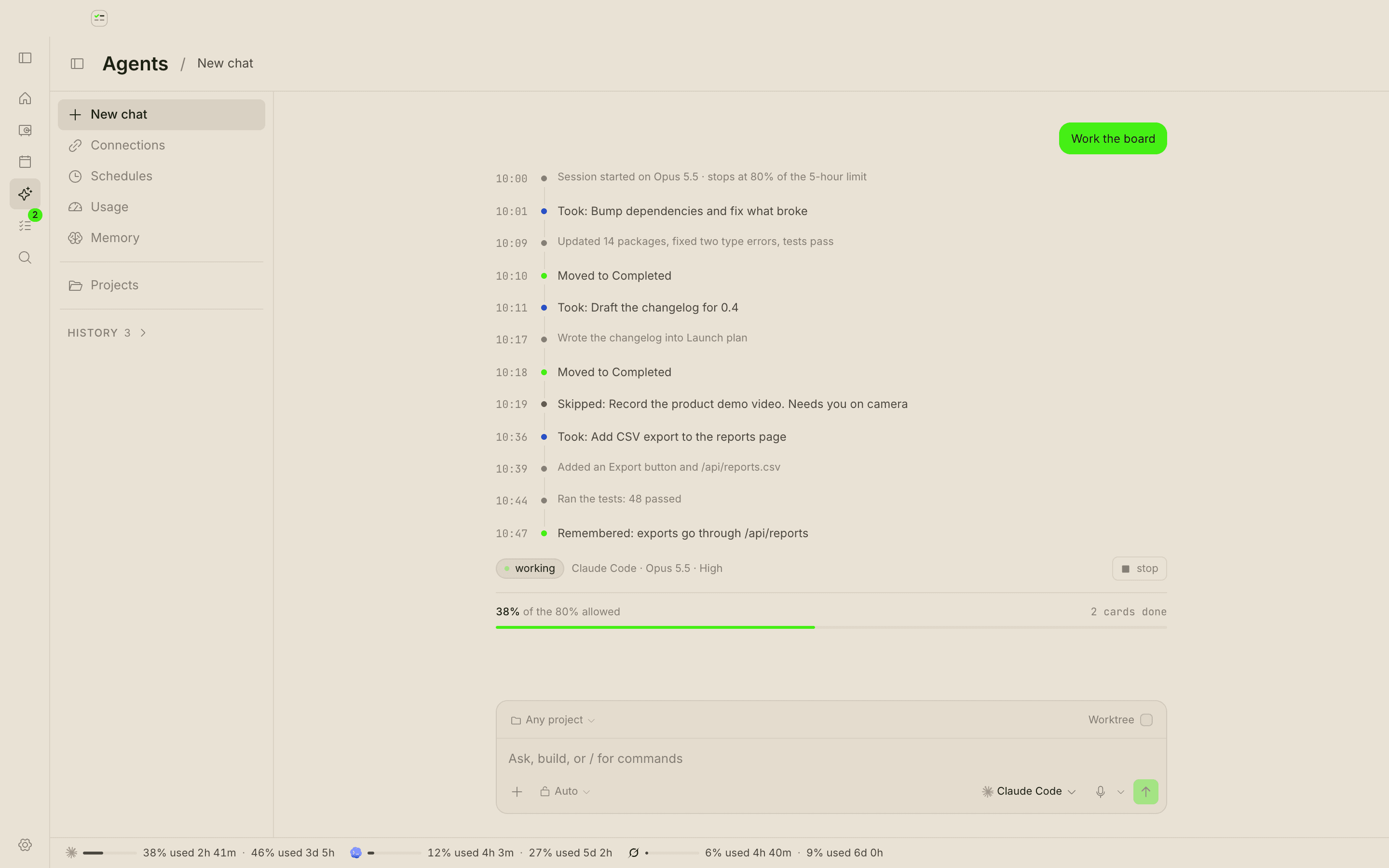
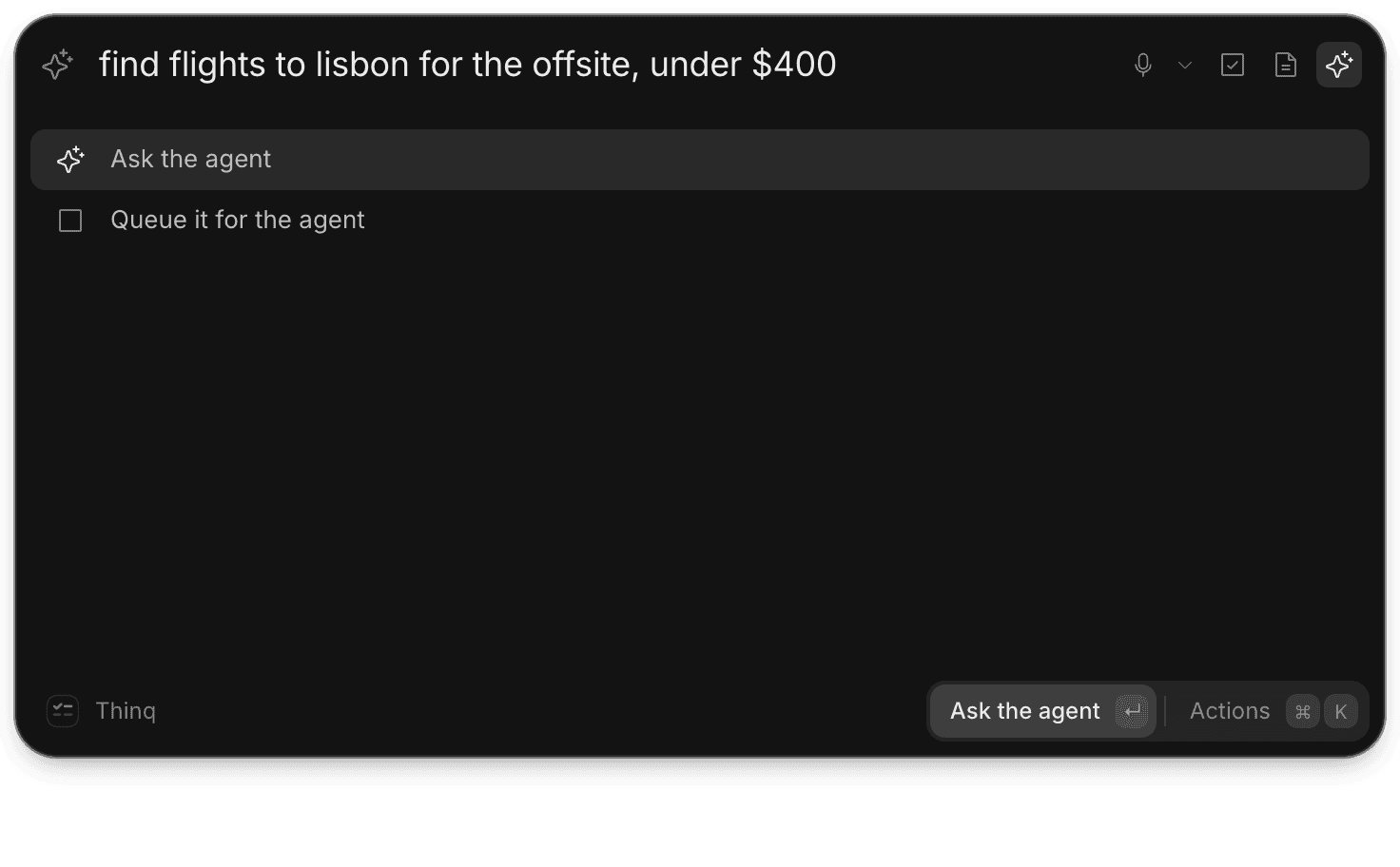
Give it a job and a schedule. You see every step it takes and every token it spends.
The vault
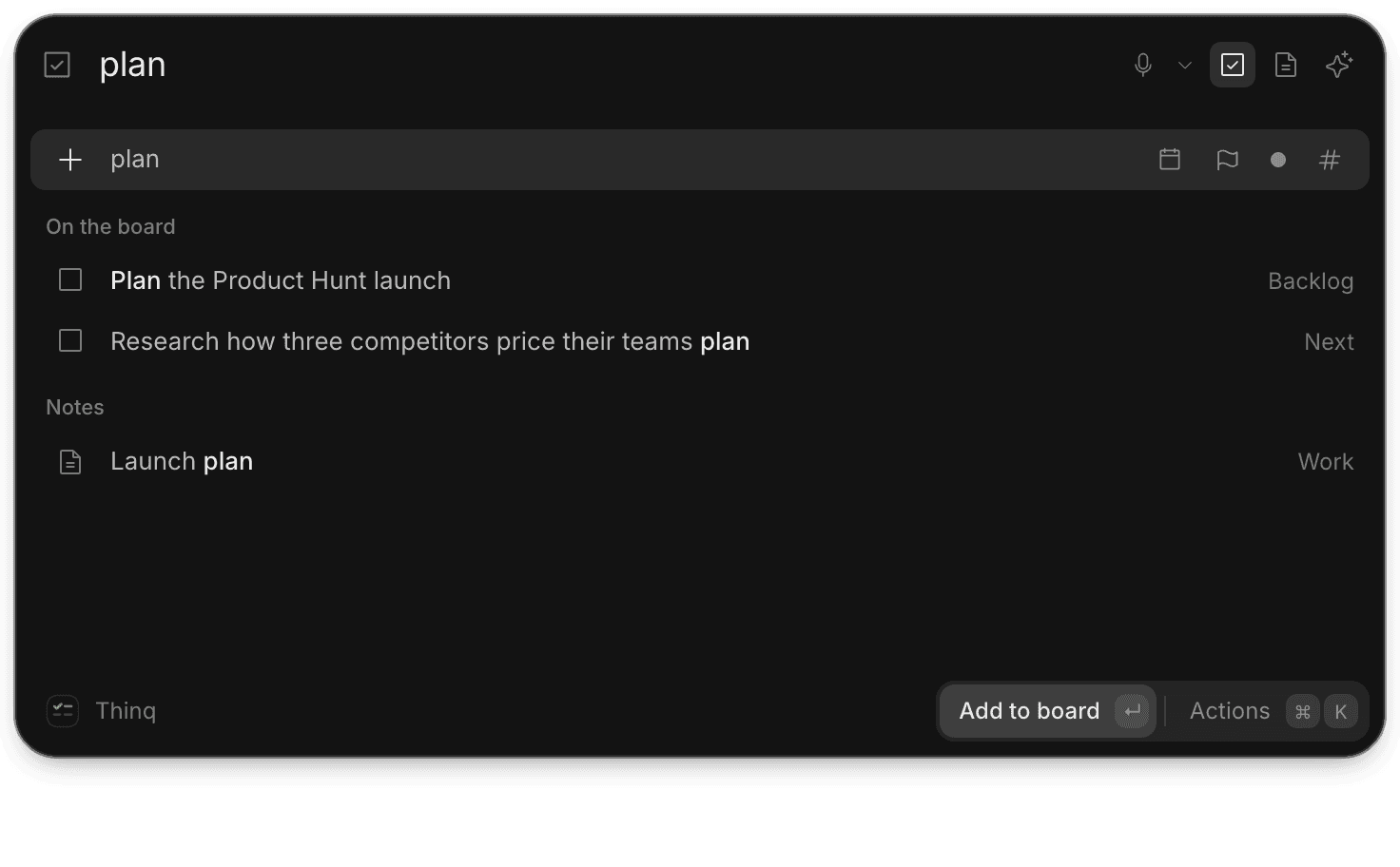
Blocks like Notion, links like Obsidian. A note can point at a task, and the task points back.
Type one line, get a task
Most trackers make you fill in a form. This one reads the fields out of your sentence.
One line in, a task out
#tag files it, !column places it, and a plain date sets the deadline. What is left is the title.
Move it without the mouse
Arrow keys walk the board, brackets move a card between columns, space marks it done. The mouse still works.
Filters that stick
Filter by tag, by date, or by what the agent touched. The board remembers where you left it.
Tell it what you want, then check its work
Write the job in normal words. Back comes a task, a schedule, and a log of every step it took.
pull the last day of support tickets and write me a short brief before standup
ok. open tickets only, grouped by theme, skipping anything already summarized. it lands in daily / 2026-09-06.
leave out anything already tagged billing
added. queued in next, runs 06:40 every weekday. i will link the brief back to the task.
- 06:40:02Run started
- 06:40:09Read 148 tickets3.1k
- 06:41:44Merged 34 duplicates
- 06:42:10Wrote the brief to the vault6.4k
- 06:42:11Linked to task #218
Runs on a schedule
Say 'every weekday at 06:40' and you get a job you can pause from the board.
Remembers last time
What it writes stays in your vault, so the next run starts where the last one stopped.
Shows the bill
Tokens in, out and total per run, against a ceiling you set. The meter sits on the toolbar.
Notes that link to each other
Blocks make a note nice to write. Links make it worth keeping. You get both.
support themes
34 of this week's tickets trace back to onboarding. three of them overlap with [[churn interviews]].
two of these accounts renew in october. worth a call before then.
where opened_at > now() - interval '7 days'
Blocks, from Notion
Slash menu, drag handles, headings, callouts, checkboxes, code. All of it is plain markdown underneath.
Links, from Obsidian
Type [[ and pick a note. Links to notes you have not written yet get listed, so you can find them later.
Backlinks and a local graph
Every note shows what points at it, with the sentence around the link. The graph shows neighbours, not your whole vault.
A vault, not a feed
Nested folders, tags, pinned notes, quick switcher on ctrl+O. Export the lot as markdown whenever you want.
A checkbox in a note is a card on the board
They are the same row seen from two places. Tick one and the other moves.
Move a card here and the checkbox in the note ticks itself.
Everything has a shortcut
One palette across all three tools. Ctrl+K will tell you the key for anything.
Nothing leaves your machine unless you say so
Your notes are the most personal thing you own. They should be the last thing that gets uploaded, not the first.
It lives in your browser, or locally
Open it in any browser, or install it and run the whole thing on your own machine. Either way your tasks, notes and run history stay on that device. No account needed to start.
It works with the wifi off
The board and the vault need no network. Only a real agent run does, and you can see when one happens.
Sync only if you want it
Turn sync on and your vault follows you to your other devices. Leave it off and nothing is uploaded, ever. Export to markdown any time.
Common questions
Both. A checkbox in a note and a card on the board are the same row, so you only write it once.
No. The board, the vault and the shortcuts all work with no key. The agent panel runs on a demo driver until you wire up a real one.
On the device you are using, whether that is the browser or the desktop app. Turn sync on and a private copy follows you to your other devices. Leave it off and nothing leaves the machine.
Yes. Use it in the browser, or install the desktop app. Windows is out now and macOS is next. Same app, same data, either way.
Yes. Drop in a folder of markdown and your front matter, tags, wikilinks and checkboxes all come across.
No. Blocks are markdown underneath, so what comes out is what Obsidian expects. Callouts become blockquotes.
Only the notes you attach to a task. The run log lists everything it opened.
Open it and give it a week
No account, no key, no setup. The board starts with a few tasks you can delete.